Snooze: Deactivate an item for a set period of time This tutorial explains how to make an item unavailable for sale for a specific period, using the SNOOZE function. Have you sold all the stock of an item and no longer want your staff to sell it? Didn'... Outils 24 Jul 2025
Configure the output of your mass printers Do you want to be able to link printers to a large number of items? Then this is the tool for you! Select your items from the back office and link or unlink your items directly, saving time instead of... Outils 24 Jul 2025
Create rows via the backoffice In this tutorial, we'll show you how to create rows, in this example Starter, Main Course, Dessert, using the backoffice tool. This powerful management tool lets you remotely manage the database for a... Outils 24 Jul 2025
Linking mass ranks to your articles This tutorial shows you how to link a large number of items to your rows (Starters, Main Courses, Desserts, etc.) quickly using the web backoffice. A powerful, easy-to-use tool!... Outils 24 Jul 2025
Activate a licence via the partner portal As a RESTOMAX partner you have access via your backoffice to a page dedicated to managing your customers. This allows you to deploy your customer licences, enter billing details and go live! Here's a ... Outils 24 Jul 2025
Matrix templates ⚠️Disponible from version RESTOMAX 1.2.325 onwards Use the template matrix tab to manage all matrices Template editing Editing matrices linked to the template Tool for linking a matrix template to sev... Matrices 24 Jul 2025
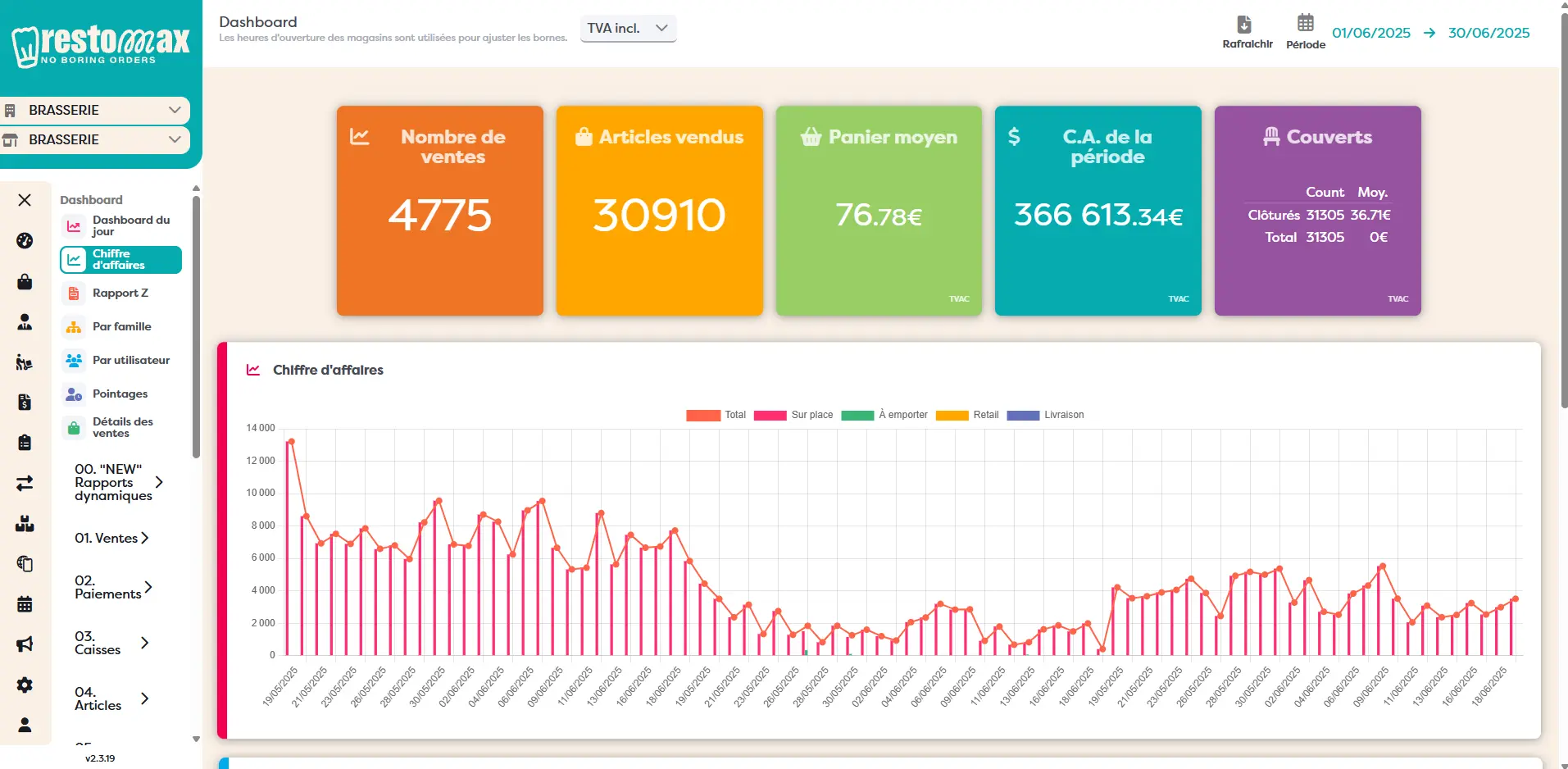
Exporting figures and Z reports This guide explains how to view and export the sales and Z reports for your establishments over a selected period. Statistics - daily turnover Z report - end-of-service closure Getting started: Select... Rapports 24 Jul 2025