Overview of the main new features in version 1.2.338 of the cash register:
- Quick login via the padlock button
- Multi-selection of items at clocking out
- Layout for meal information sheets in France
- Mobile mode for matrices with more than 5 columns
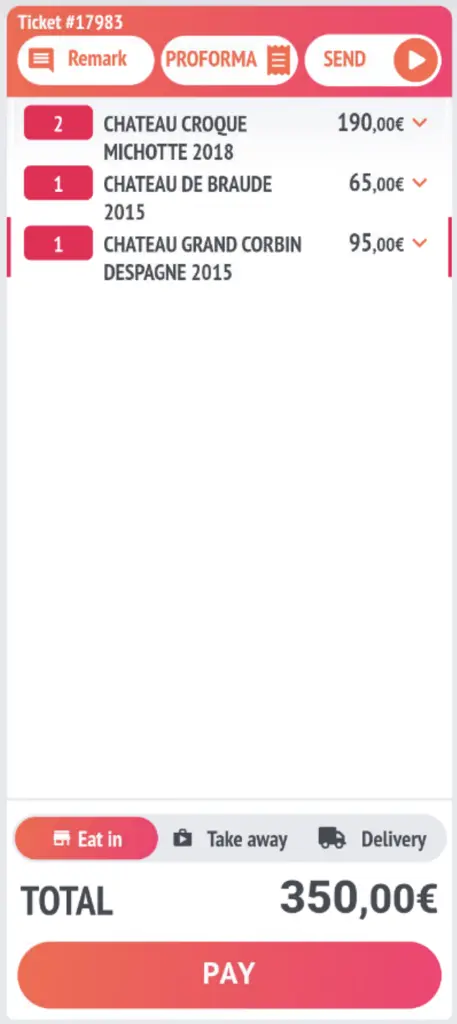
- Proforma button on the sales screen
- Lunch menu screen
- Quick keyboard shortcuts for quantities
- 1st inspection report in the cash drawer
Quick login via the padlock button
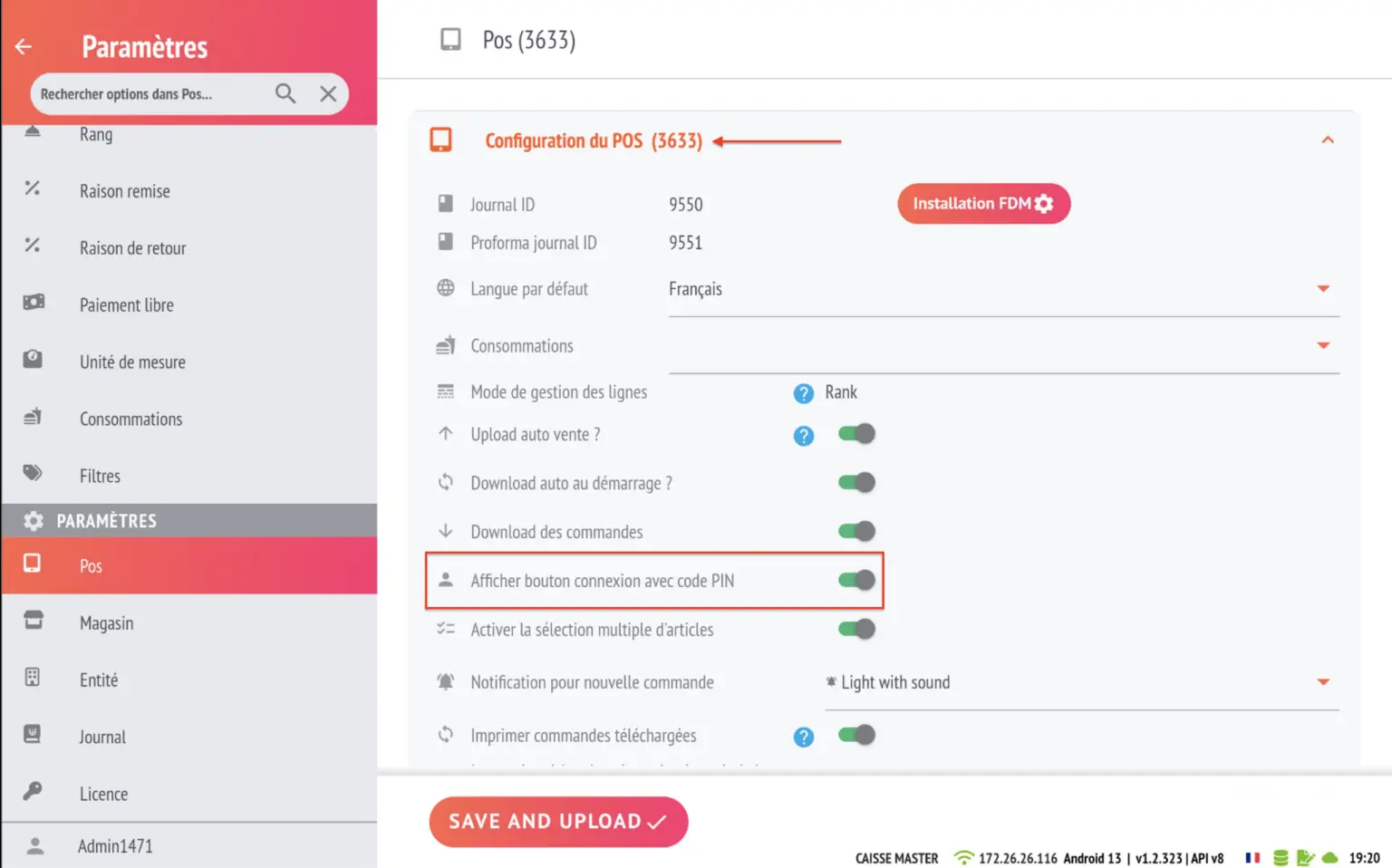
- Enable this feature in the POS card for your cash register.
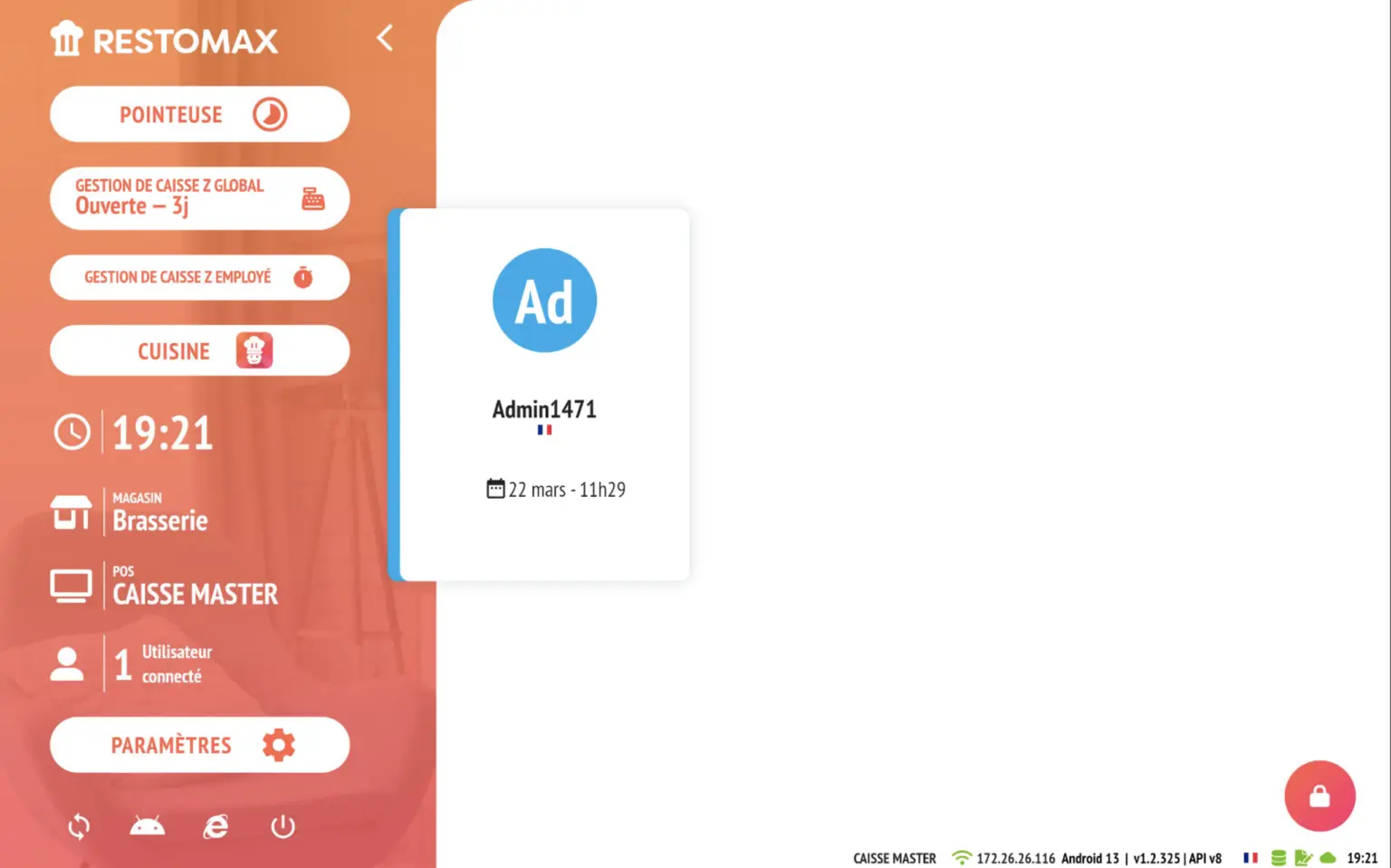
- A cadena is now available at the bottom right of your login screen.
Multi-selection of items at clocking out
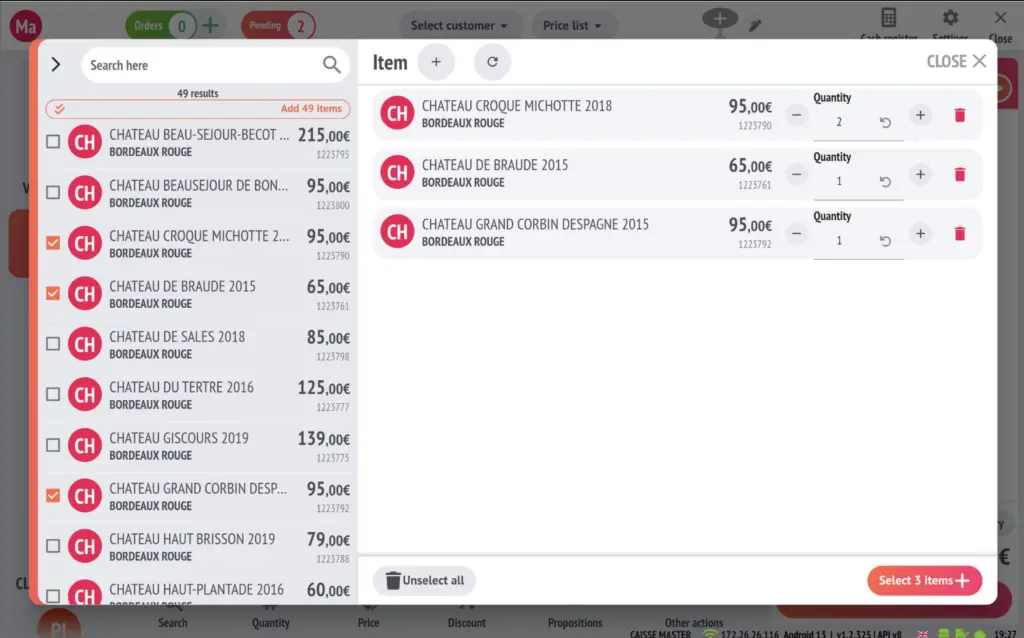
- From the item search screen on the sales screen, you can select multiple items to add to the basket in a single action.
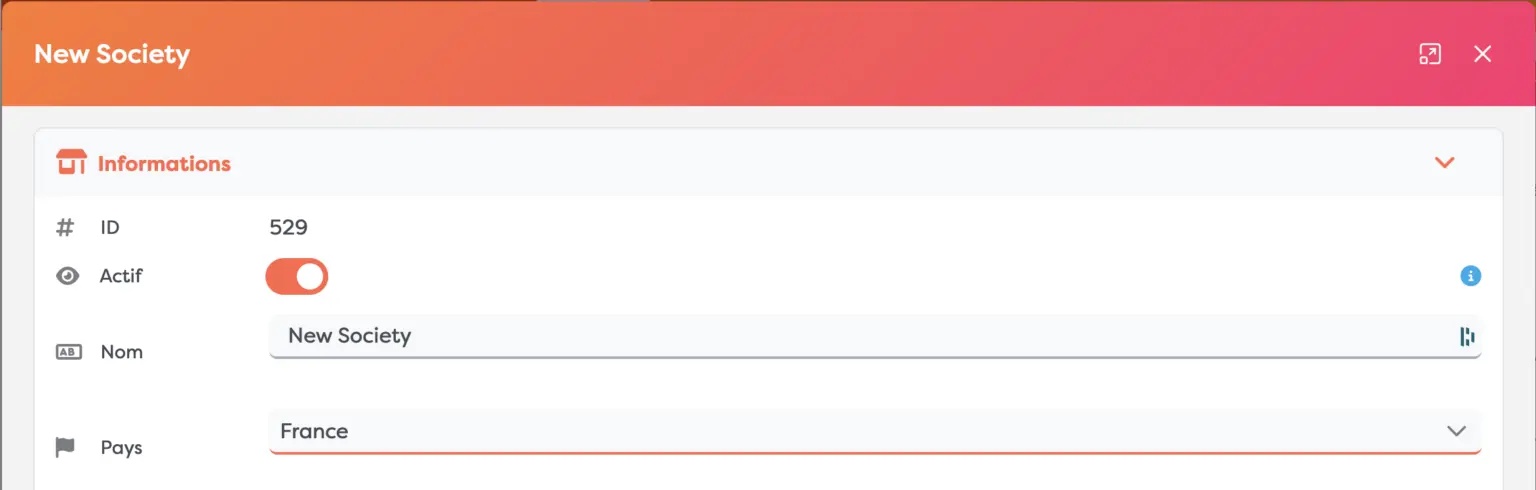
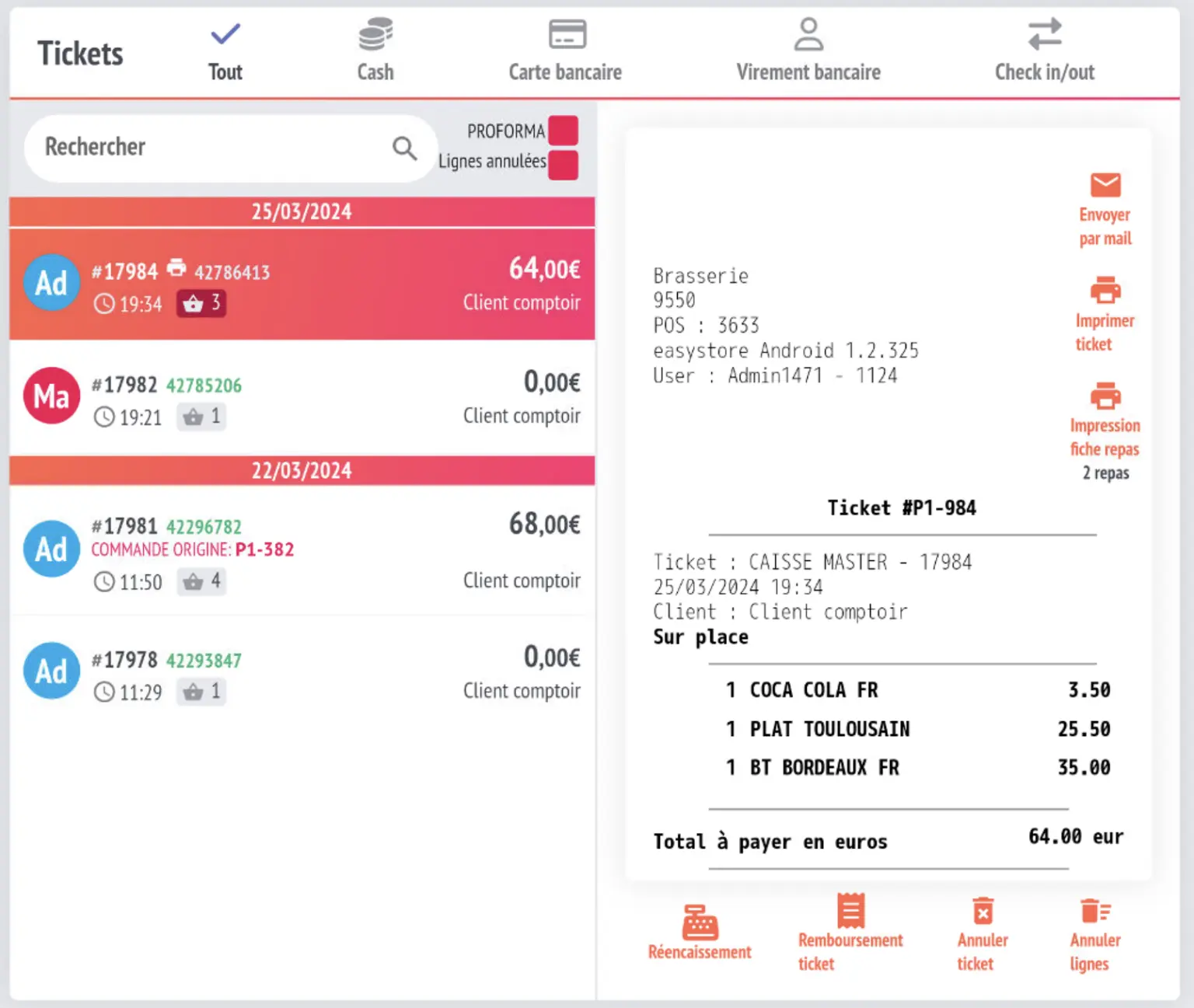
Layout for meal information sheets in France
- In France, software prints one or more simplified receipts labelled ‘Sans le détail’ (without details).
- Added meal layout to all ticket and bill printouts
- Condition for recovering this feature: see the country on the entity = France
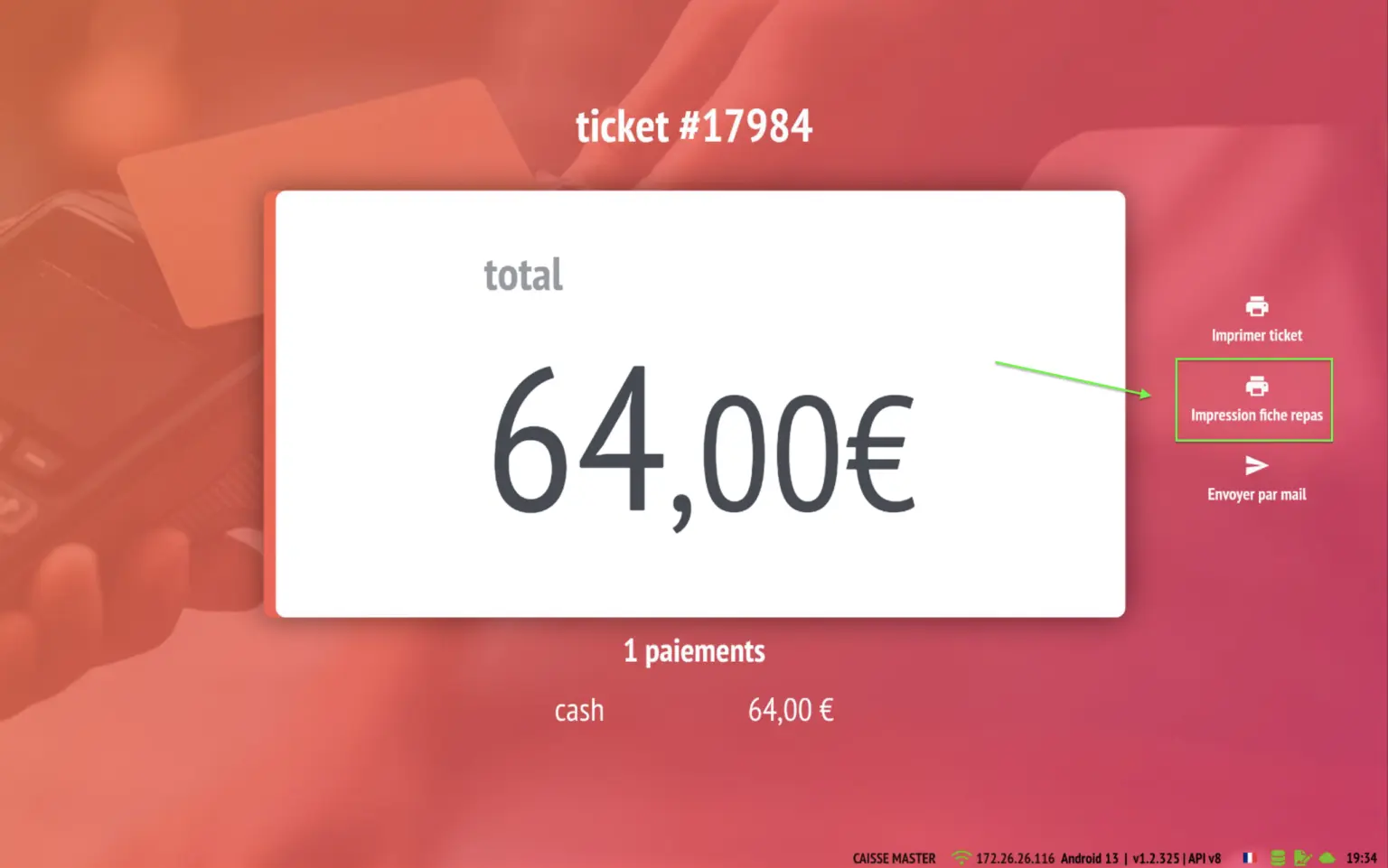
- print available on the payment completion screen
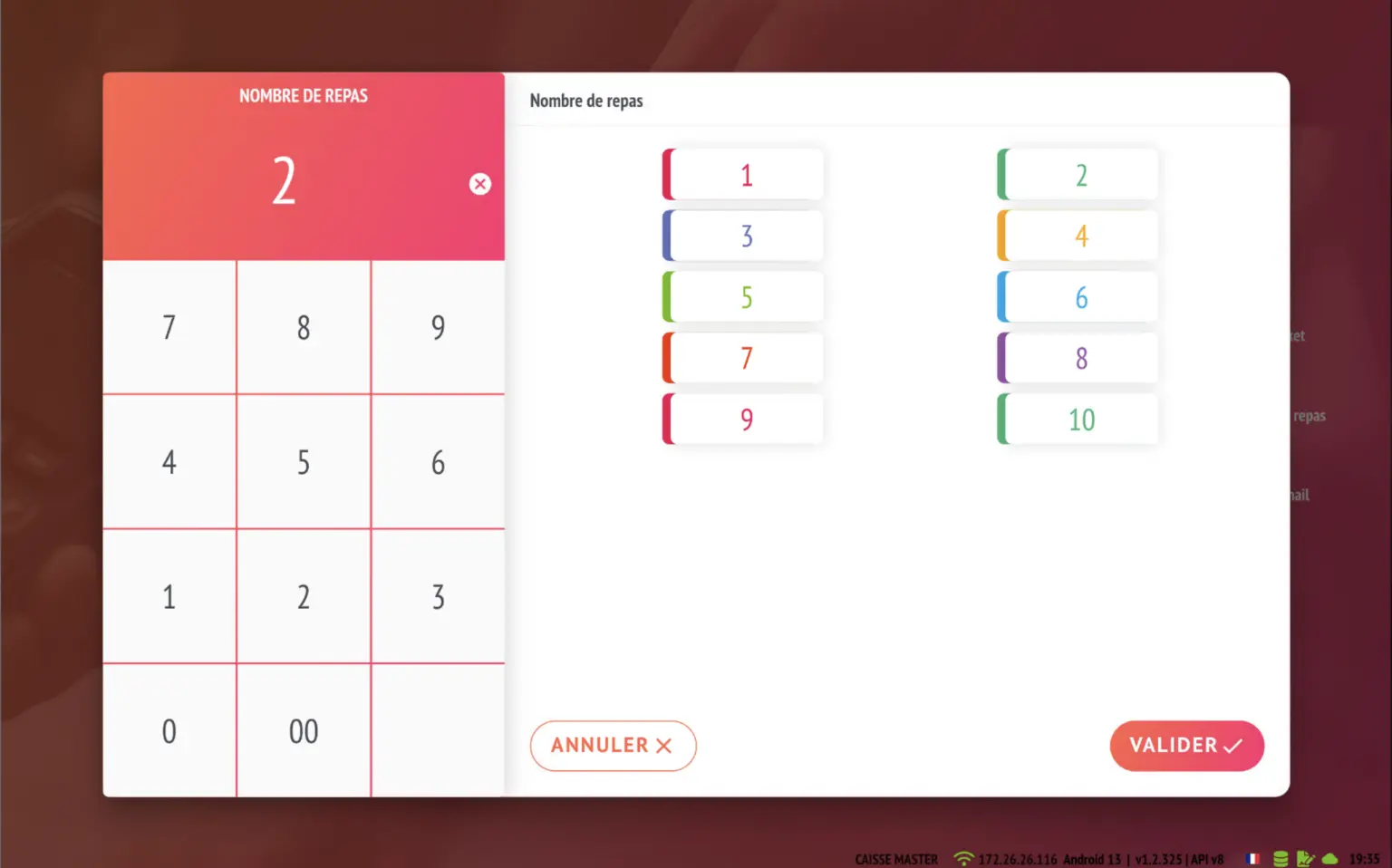
- Select the number of meals to print (example 2)
- Option to reprint from the cash drawer using the ‘print meal receipt’ button
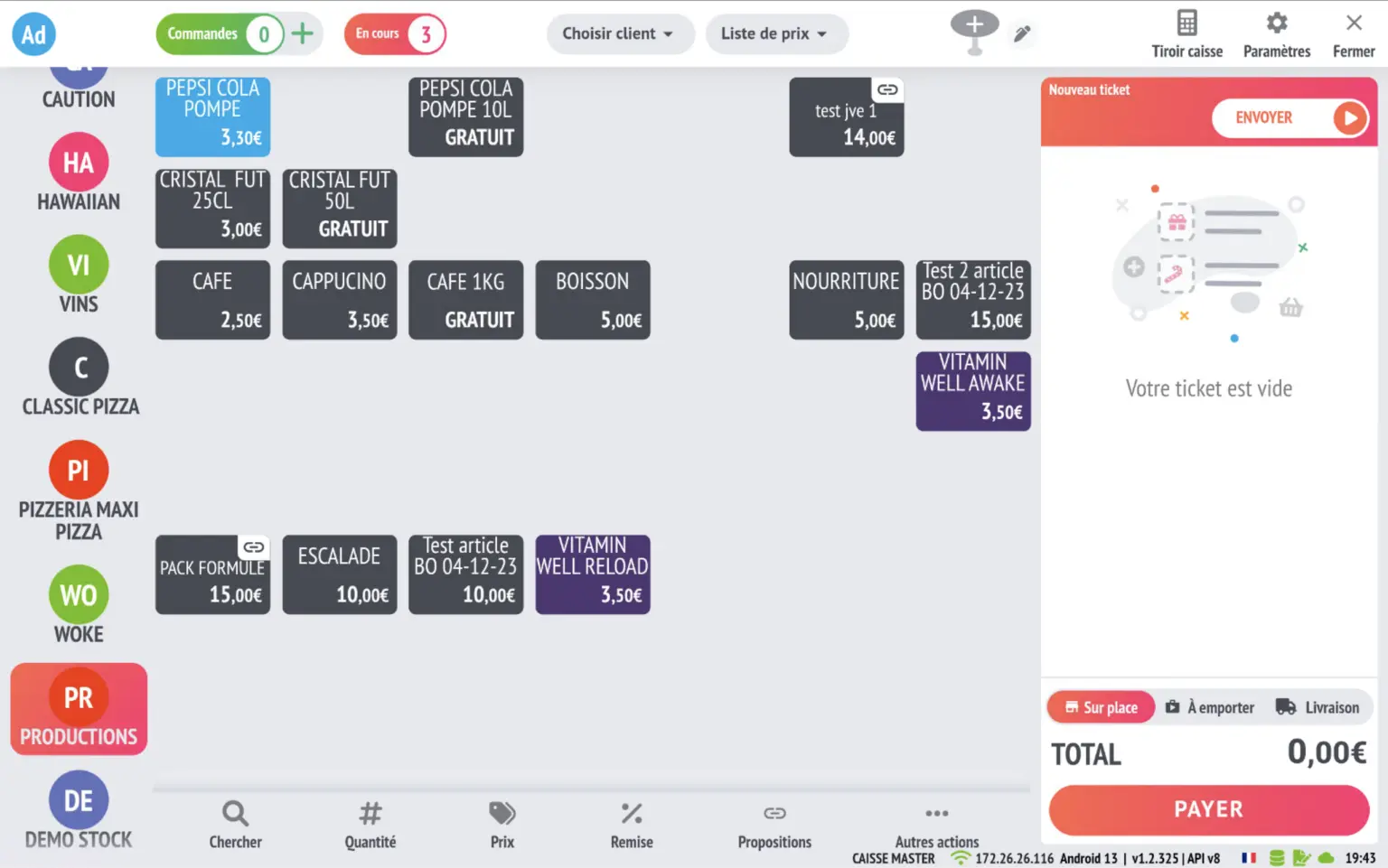
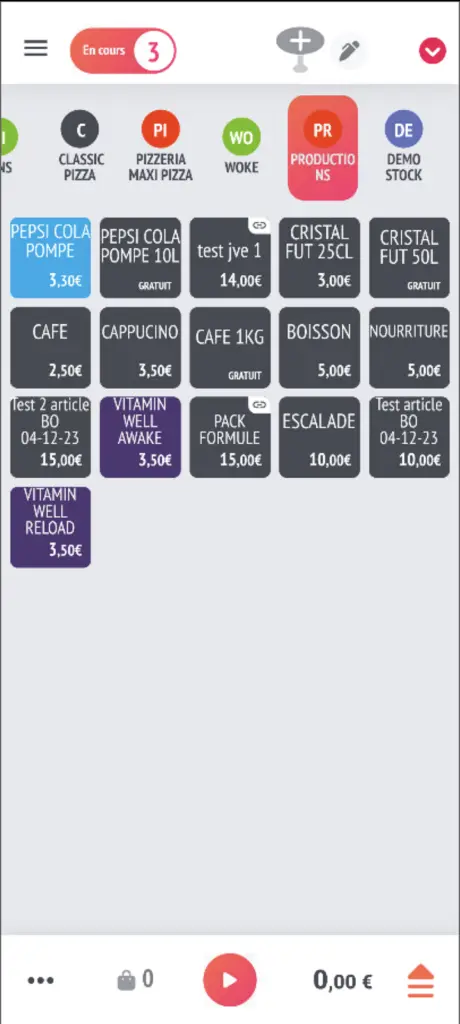
Mobile mode for matrices with more than 5 columns
- Automatic reorganisation into 5 columns on pockets for all matrices exceeding this number
- Tablet mode
- Mobile mode reorganised
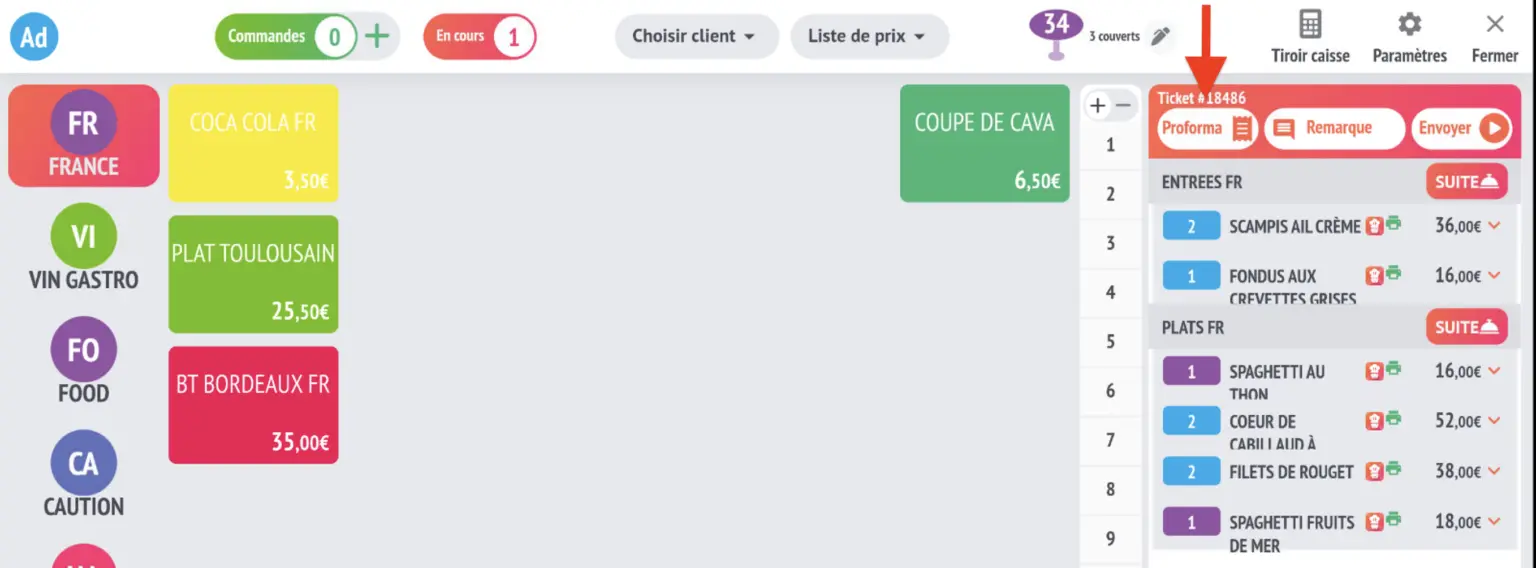
Proforma button on sales screen
- Enable this feature in the POS settings

- Button available directly in the sales screen at the top of the basket
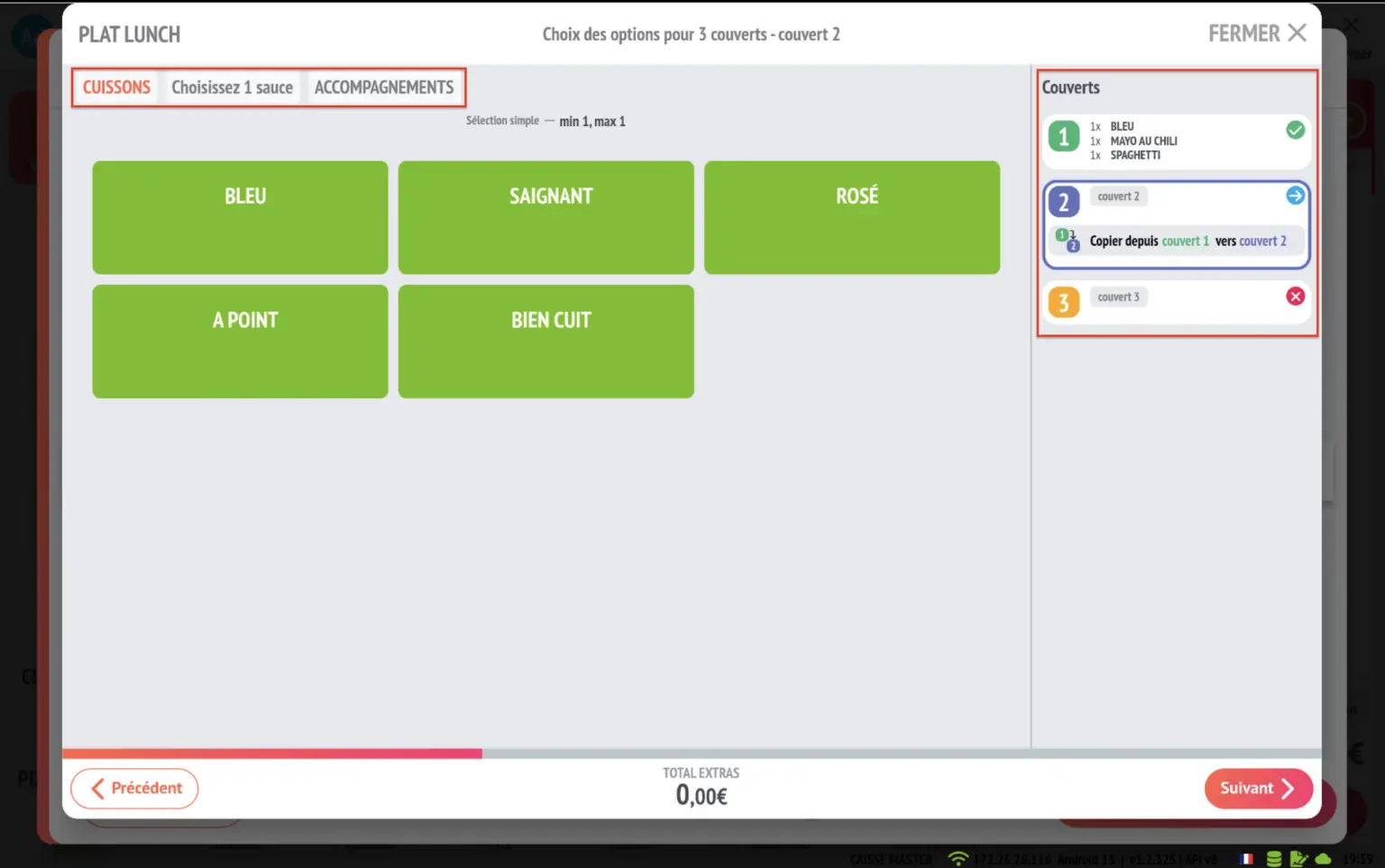
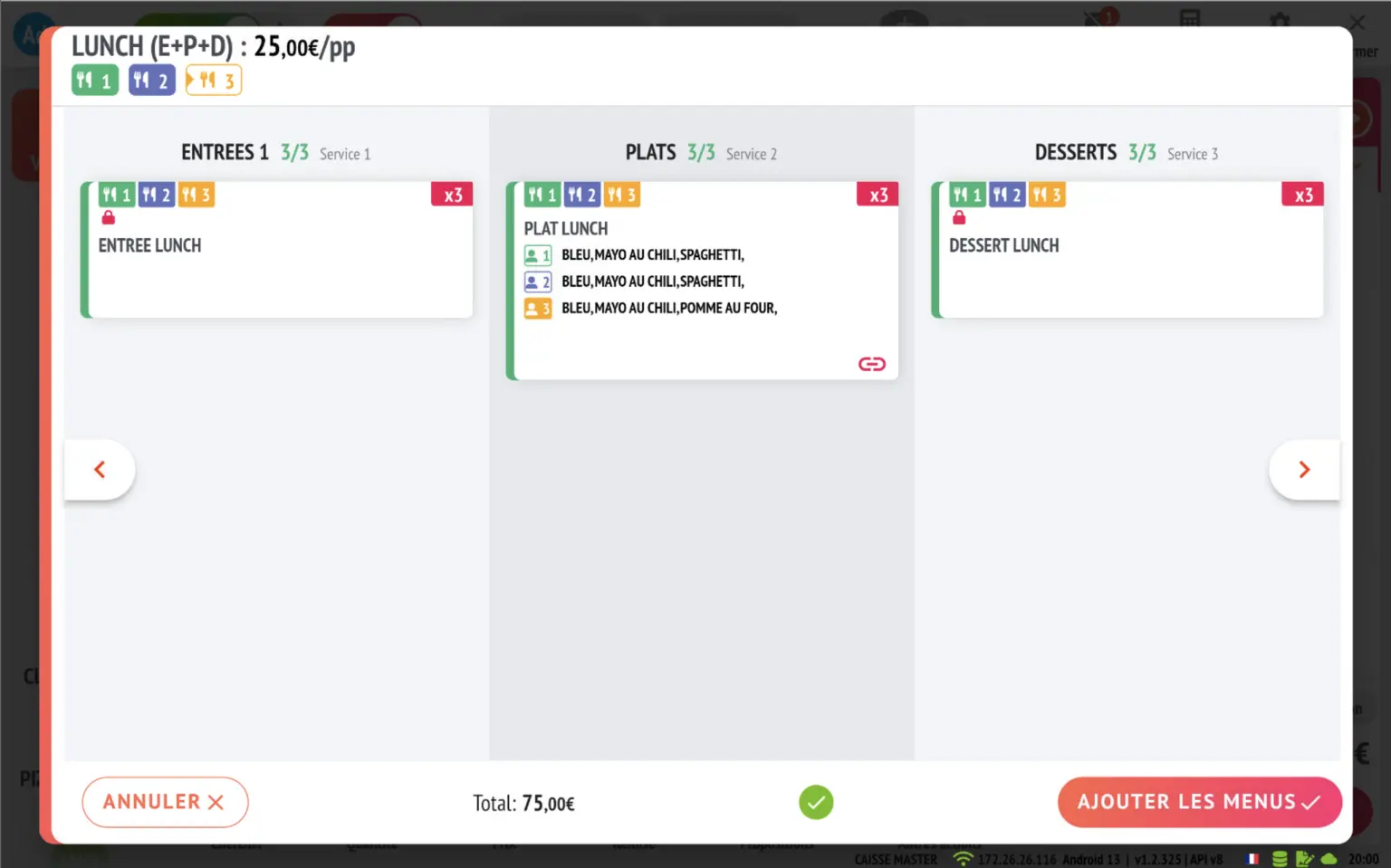
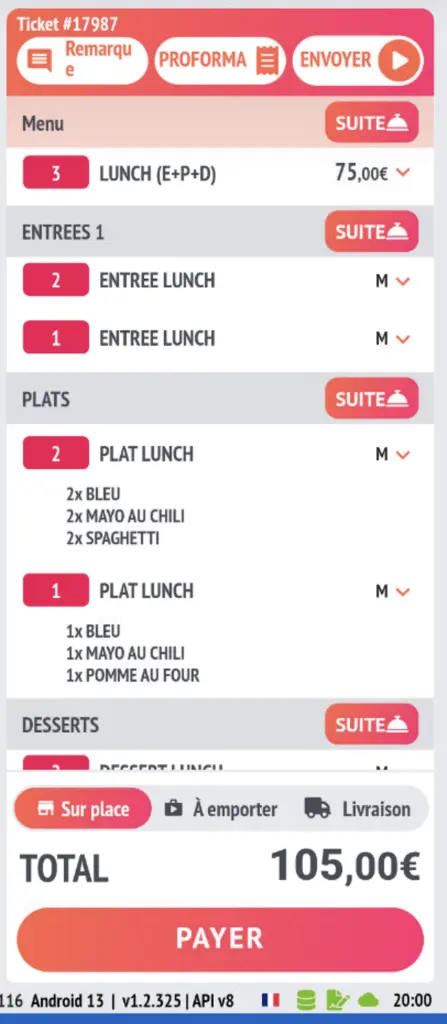
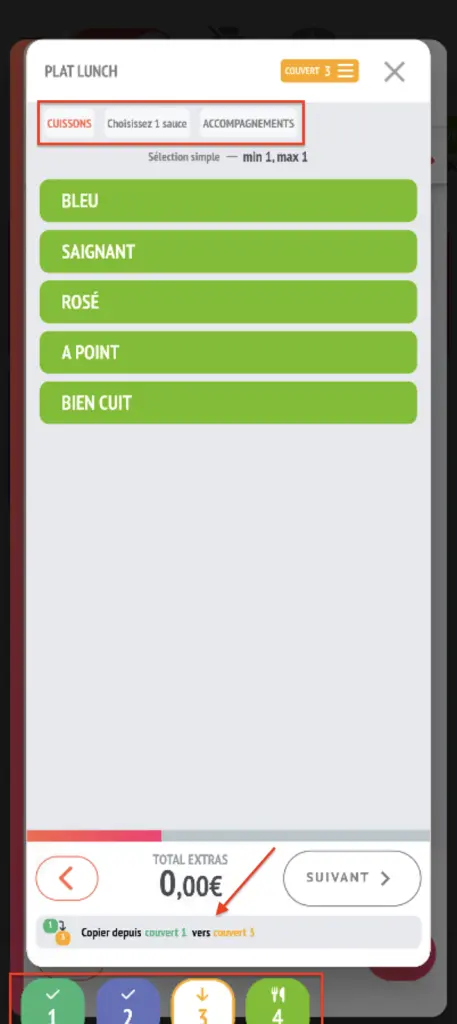
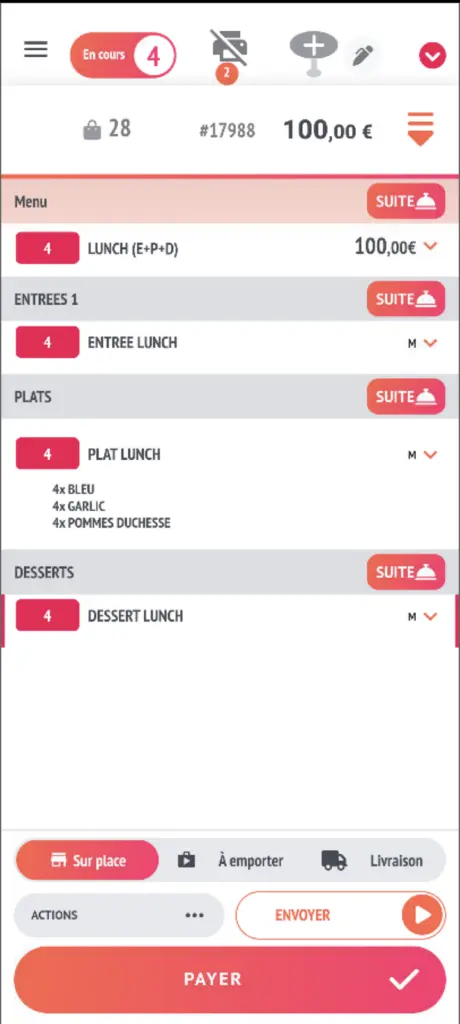
Lunch menu screen
- When there is only one choice in each row of a menu, items will be automatically selected and only opened if necessary.
- From the same screen, you can select and modify your choices of proposals.
- A copy/paste option is available from the previous menu.
- Mobile version
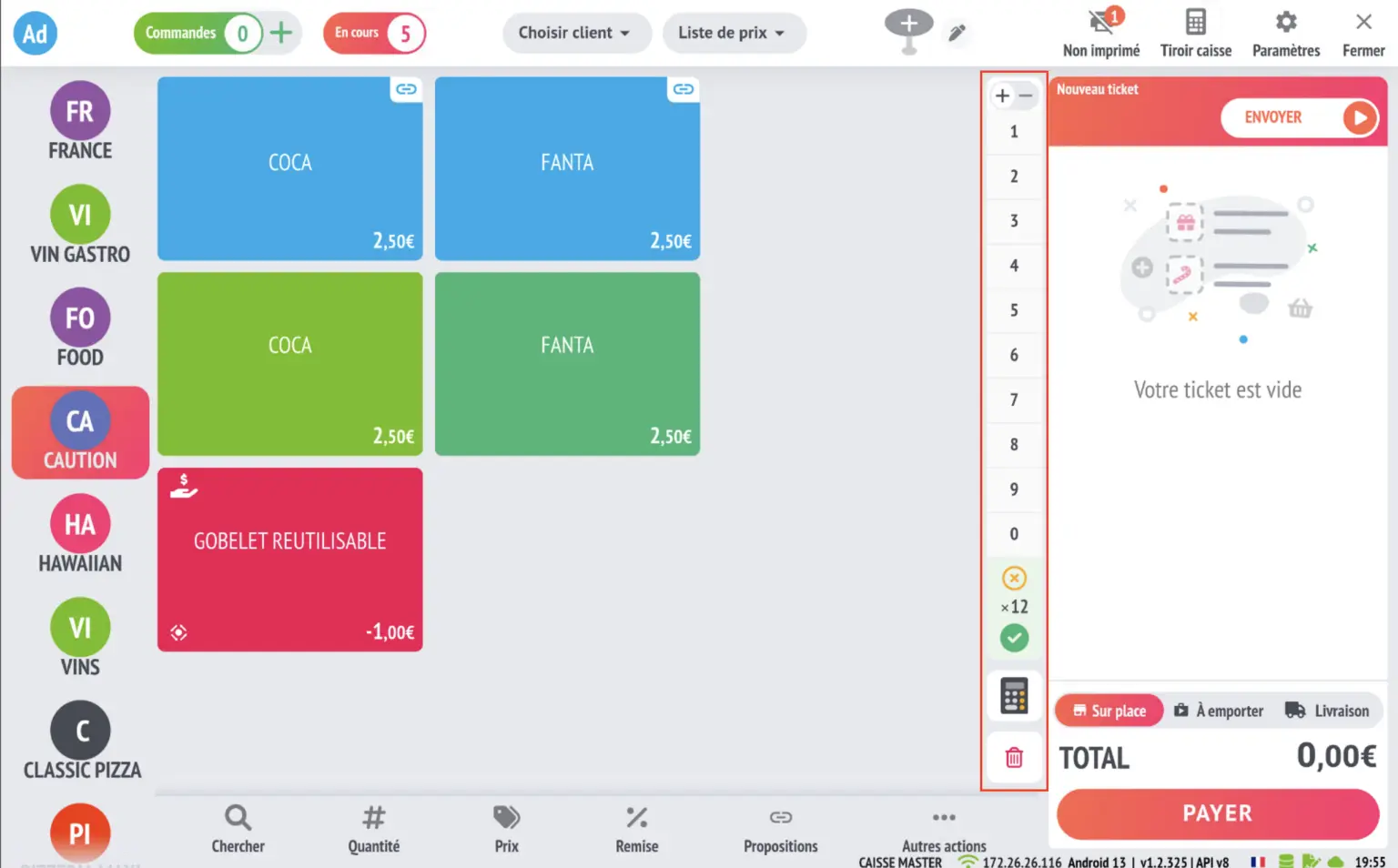
Quick keyboard shortcuts for quantities
- Added a vertical keyboard for quickly adding multiple items when inserting or modifying quantities (option available on the POS)
1st inspection report in the cash drawer
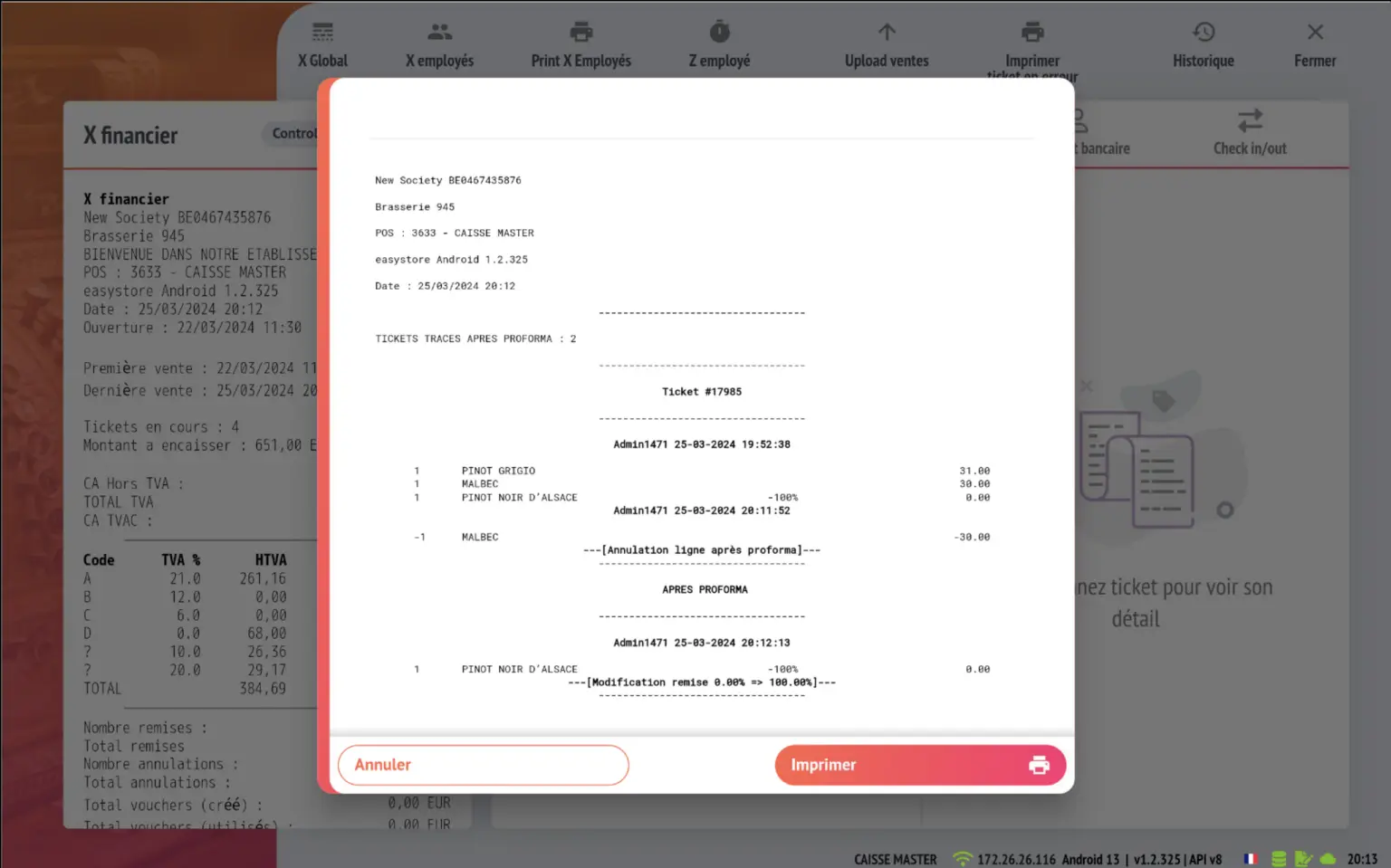
- 1st inspection report available in the cash drawer with history of a ticket's status and any actions taken after the proforma